Introduction
In the first two posts of this series, we conceptualized the value of AI in Enterprise Architecture and successfully extracted our structured data from SAP LeanIX into a highly traversable Neo4j Knowledge Graph.
Now, our graph holds a massive amount of truth about our enterprise. To finish the integration, we need to make this architecture conversational. We don’t want an LLM guessing or hallucinating about our IT landscape; we want it to query Neo4j deterministically and generate answers grounded strictly in fact.
To achieve this, we use the Model Context Protocol (MCP).
What is the Model Context Protocol (MCP)?
The Model Context Protocol is an open standard that allows AI models (like Anthropic’s Claude or GitHub Copilot) to securely connect to external tools and remote data sources.
Instead of an LLM relying solely on its static, pre-trained knowledge base, MCP transforms the LLM into an active agent. When you ask it a question, the AI determines which MCP tools it needs, invokes them to pull live context, and then formulates its answer based on that fresh data.
The Neo4j MCP Server
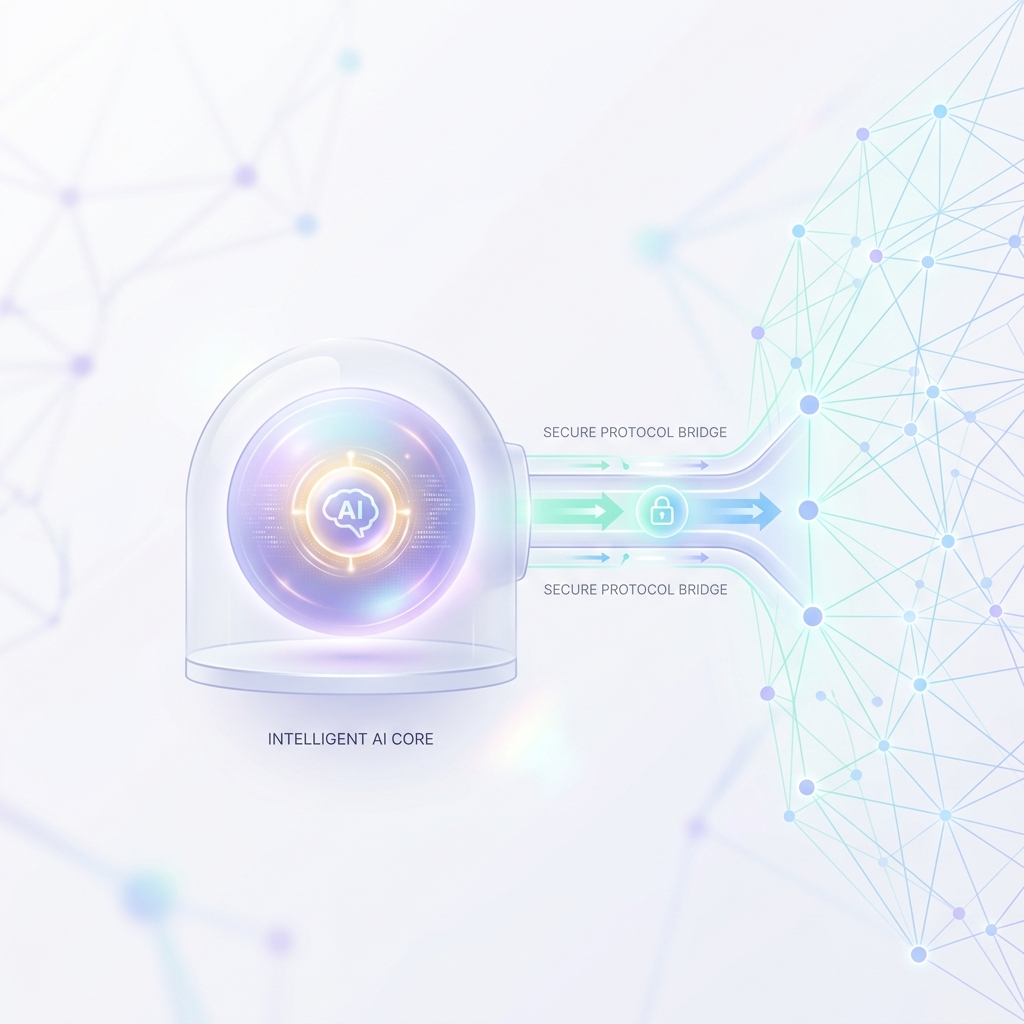
To bridge the gap between our AI and our database, we deploy a Neo4j MCP Server.
This server acts as a secure middleman. It exposes specific tools—such as schema discovery and Cypher query execution—that the AI client can invoke. By installing this server, we are giving our LLM a direct, read-only window into our Enterprise Architecture graph.
Step-by-Step: Enabling the Connection
Setting this up is remarkably straightforward once the graph is populated:
- Deploy the MCP Server: Start the Neo4j MCP server in your local environment or cloud infrastructure. You will pass it your Neo4j connection URI, username, and password.
- Configure your AI Client: Point your client (e.g., the Claude Desktop application) to the new MCP server. For Claude Desktop, this involves adding the server execution command into your
claude_desktop_config.jsonfile. - Schema Discovery: Upon initialization, the MCP server analyzes your Neo4j graph schema. It passes this metadata back to the AI. Instantly, the LLM “learns” your specific landscape—it knows that an
Applicationnode is connected to aBusinessCapabilitynode via aSUPPORTSrelationship.
Querying Architecture in Natural Language
Here is where the magic happens.
Because the AI understands your graph’s specific schema, you can ask it deeply complex, domain-specific questions in plain English:
“Which applications support the ‘Online Checkout’ business capability, and are any of them relying on end-of-life databases?”
Under the hood, the workflow looks like this:
- Intent Recognition: The LLM understands your goal.
- Query Generation: Using the schema provided by MCP, it generates the exact Cypher query required (e.g., matching
BusinessCapabilitynodes toApplicationnodes toIT Componentnodes). - Execution: The AI invokes the Neo4j MCP tool to run the Cypher query.
- Data Retrieval: Neo4j executes the graph traversal and returns the raw JSON facts tightly scoped to your question.
- Synthesis: The LLM reads the deterministic data and formats it into a human-readable, highly accurate response.
Conclusion
By moving from disconnected sheets in an EA tool, to a semantically linked Knowledge Graph in Neo4j, and finally to an intelligent agent connected via the Model Context Protocol, we have completely transformed how we interact with our own architecture.
Tasks that used to take days of cross-referencing spreadsheets and dashboards can now be accomplished much faster with a simple, natural language prompt. Welcome to the future of Enterprise Architecture!